On your phone
Hold your phone up and turn around. The cave moves with you. Headphones make it even better.

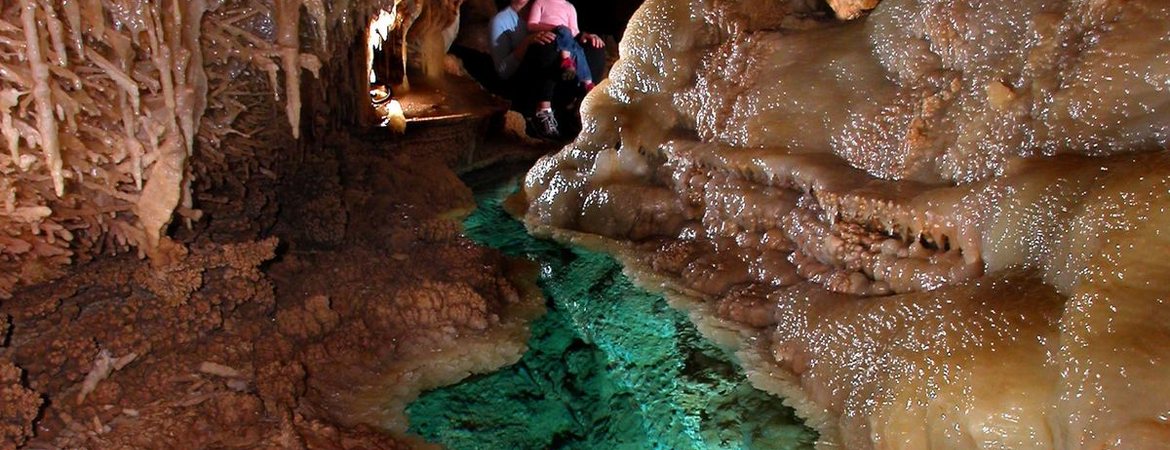
Thirteen minutes, 155 feet down, in 3D and 360 degrees. Watch from anywhere.
3D · 360° · Virtual reality
Look up at the helictites, down into still turquoise pools, and all the way around you, on your phone, your computer or a VR headset.
Checking for your pass…
VR Tour Pass
$14
48-hour viewing pass
Pay securely with PayPal or a debit or credit card
Virtual tour passes are not on sale right now. Please check back soon, or call 325-387-3105.
Test mode: no real charge
Open the link in the email we sent you. Cannot find it? Enter the email address you used with PayPal and we will send it again.
Thanks for touring the caverns! You can buy a new pass anytime, or come see it all in person.
You are in! We emailed your viewing link to . Use it to watch on your other devices.
Drag to look around
No special equipment needed. A headset just makes it even more real.
Hold your phone up and turn around. The cave moves with you. Headphones make it even better.
Click and drag, or use the arrow keys, to look up at the ceiling, down at the pools and all around.
Open your link in the headset web browser, like on a Meta Quest, and press Enter VR for full 3D depth.
Your pass lasts 48 hours, and the clock starts the first time you press play, not when you buy. Watch as many times as you like during that time.
No. On a phone, move your phone around to look in every direction. On a computer, click and drag. If you have a headset like a Meta Quest, open the page in its web browser and press Enter VR for full 3D.
After you pay, we email your private viewing link to your PayPal email address. Open that link on any of your devices. One pass works on up to 3 devices.
About 13 minutes, filmed in 3D, 360-degree video inside the cave.
Open “Already bought a pass?” at the top of this page and enter your PayPal email. We will send the link again.
Try Chrome or Safari, and turn off low power mode on your phone. If you opened the link inside Facebook, open it in your regular browser instead. Still stuck? Call 325-387-3105 or email [email protected] and we will help.
The virtual tour is a taste. Standing among the crystals in person is something else.